How Forward protects your money data.
Plain answers to what we can see, what we store, and what happens if something goes wrong. Last reviewed October 2026.
- Passkeys and MFA Sign in without a password, with a second factor on top.
- No bank passwords Plaid handles the connection.
- Your permission first Staff need a 14-day grant from your household.
- Never sold We don't sell your data. Ever.
Passkeys and multi-factor sign-in
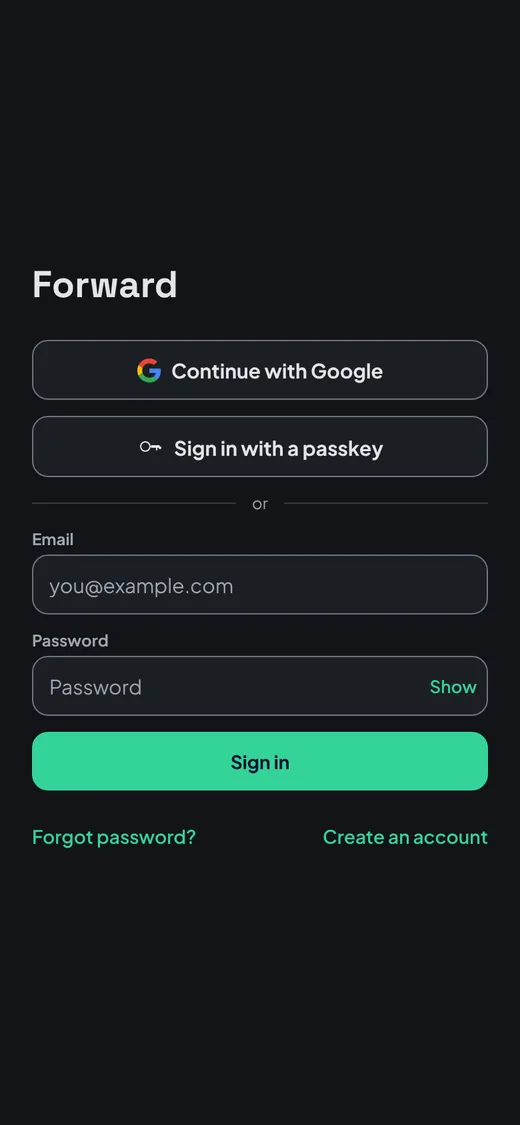
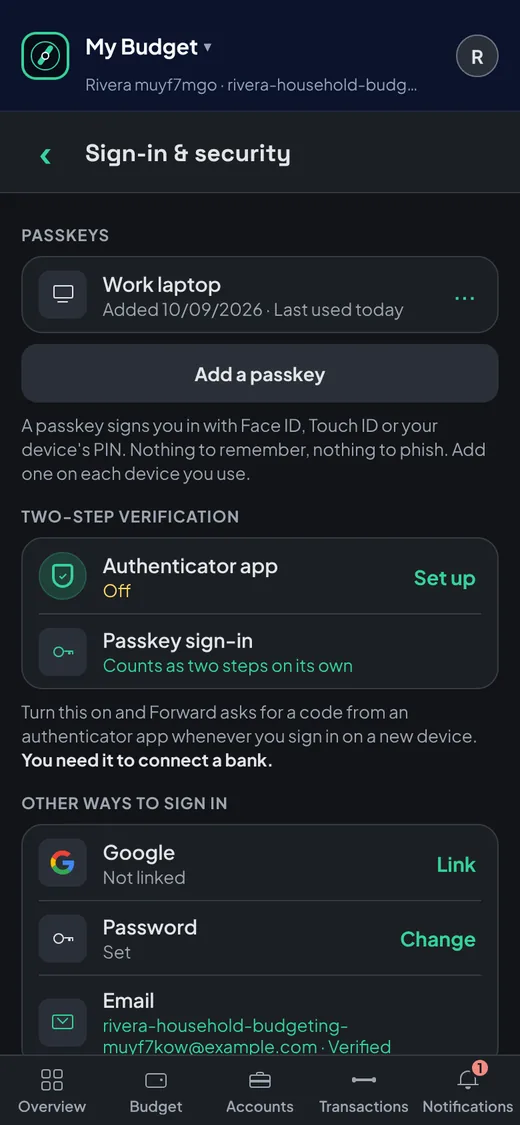
Sign in with a passkey, using Face ID, Touch ID or your device PIN, so there is no password to steal or reuse. A passkey counts as two-step sign-in on its own, or you can add an authenticator app. Two-step sign-in is required before you link a bank.
Your bank password never touches Forward
MembersBank connections go through Plaid, so you sign in to your bank on Plaid's screen, never ours. The access token Plaid gives us is protected with a second layer of encryption using Google Cloud's key management service. See Plaid's End User Privacy Policy for how Plaid handles your data.
Locked to your household
Every request is scoped to your household, and the database enforces that on its own with row-level security. A bug in the app can't show your budget to another household.
Our team needs your permission
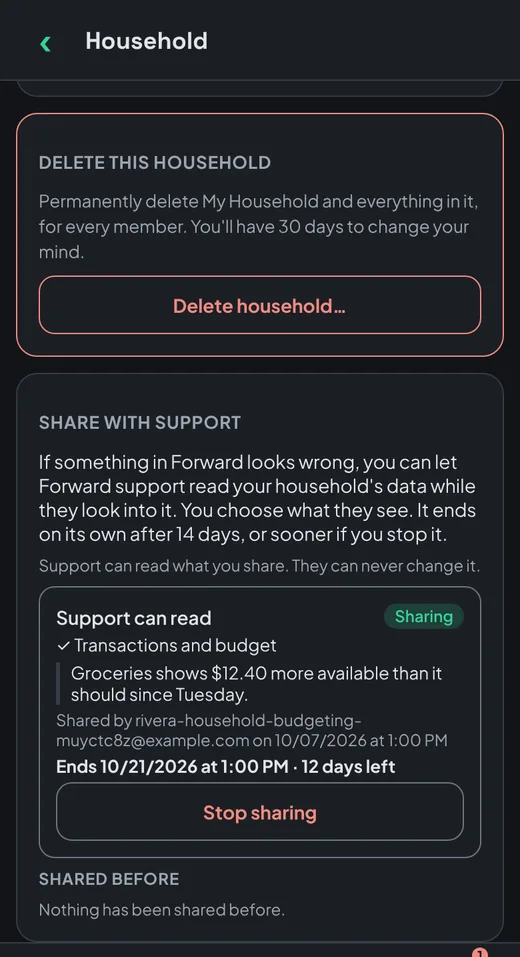
Our team can't open your budget unless someone in your household shares it with support, using Share with support on the Household screen. That access ends after 14 days, or sooner if you end it. The one exception is fixing an outage that affects everyone, and every use of it is logged.
AI assistants on your terms
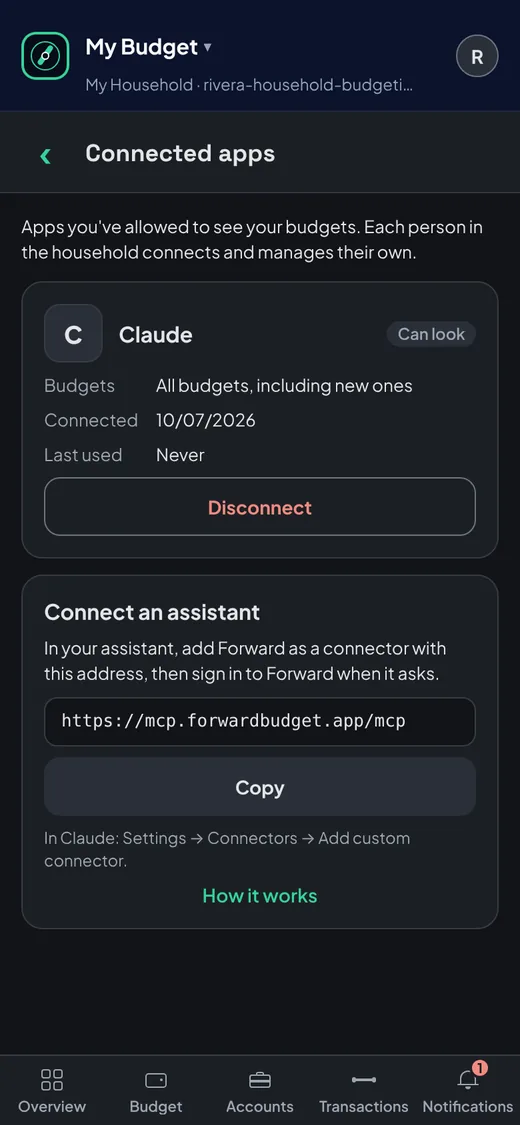
MembersWhen you connect an assistant, you choose which budgets it can use, and every connected assistant is listed in Connected apps. Once it has your data, its maker's terms and privacy policy apply, so connect only assistants you trust. Disconnect any time from Connected apps. How to connect an assistant.
Receipts and email
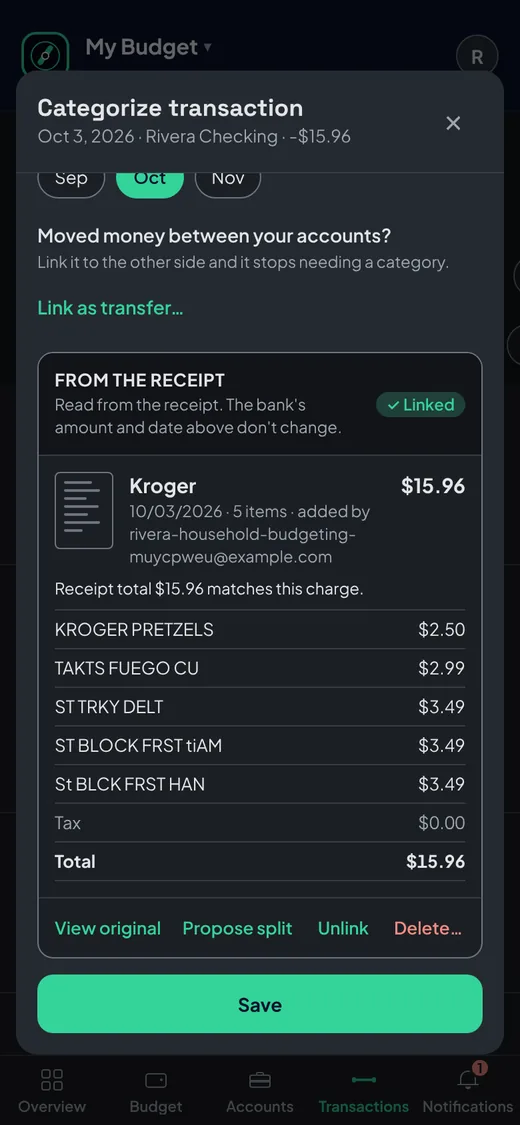
MembersUploaded receipts are scanned for viruses, then read with Google Cloud to find the store, date and items. Email receipts work by forwarding, so Forward never asks for your inbox password or access to your Gmail.
Nothing is erased
Your budget is an append-only ledger: every change is a new entry, and undo adds another. Closed months keep their numbers unless you reopen one.
Backed up and tested
Daily backups and point-in-time recovery, with a full restore drilled in September 2026. Every change runs 10,000+ automated tests.
We never sell your data
Your budget pays for nothing but itself. No ads, no data sales.
Report a concern
Found a security issue? Email security@forwardbudget.app.